
The problem
You wrote a dialogue or a screenplay. It sits in a text file. You want to see what it looks like as a game - but that means installing Ren'Py, learning the syntax, setting up a project, defining characters. Too many steps for what you actually want - just hit play.
What if you could paste that text and see the scene running? ScriptFormer is exactly that: paste a dialogue, and it creates a playable scene with no installation required.
Create a project in the browser
ScriptFormer runs entirely in the browser. No installation. No environment setup. Open the page and start building.
From existing text
- Open scriptformer.com.
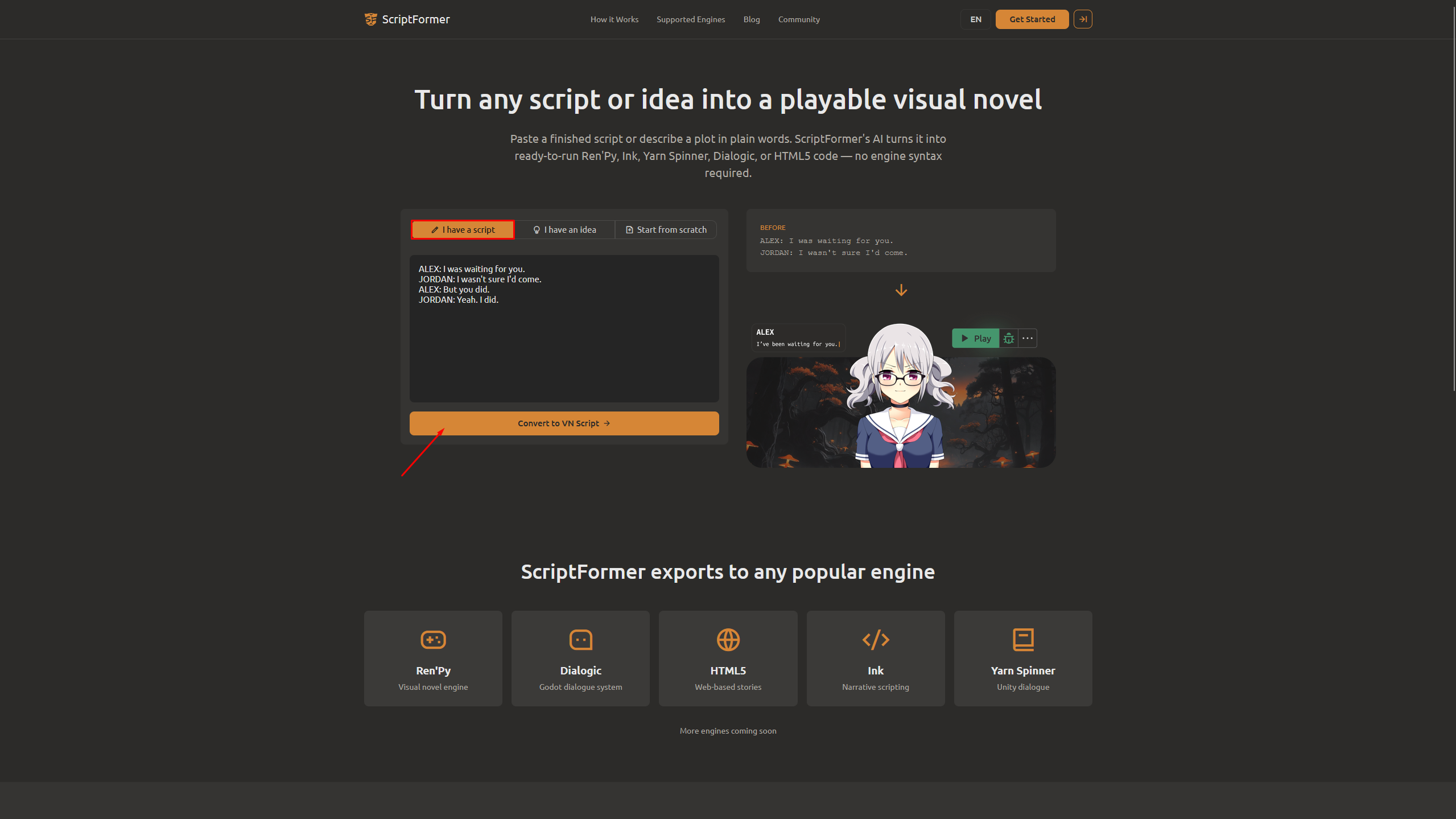
- Select the "I have a script" tab.
- Paste your dialogue into the text area. Here is a simple example for this walkthrough:
ALEX: I was waiting for you.
JORDAN: I wasn't sure I'd come.
ALEX: But you did.
JORDAN: Yeah. I did.
- Click Convert to VN Script.
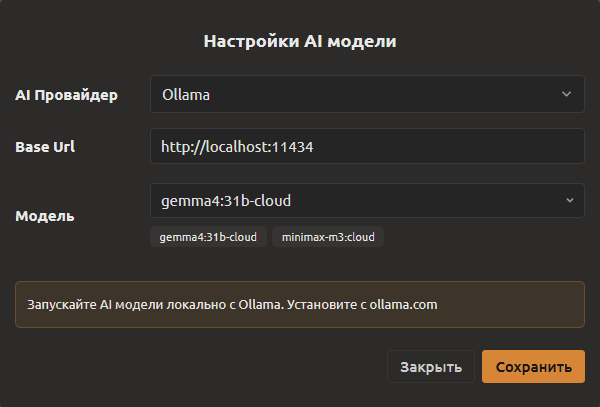
A window opens where you choose an AI provider: OpenRouter, Gemini, OpenAI (GPT), Grok, Deepseek, Ollama (runs locally and free), or a custom endpoint. You only need to set it up once — next time the generation starts automatically as soon as you click Convert.
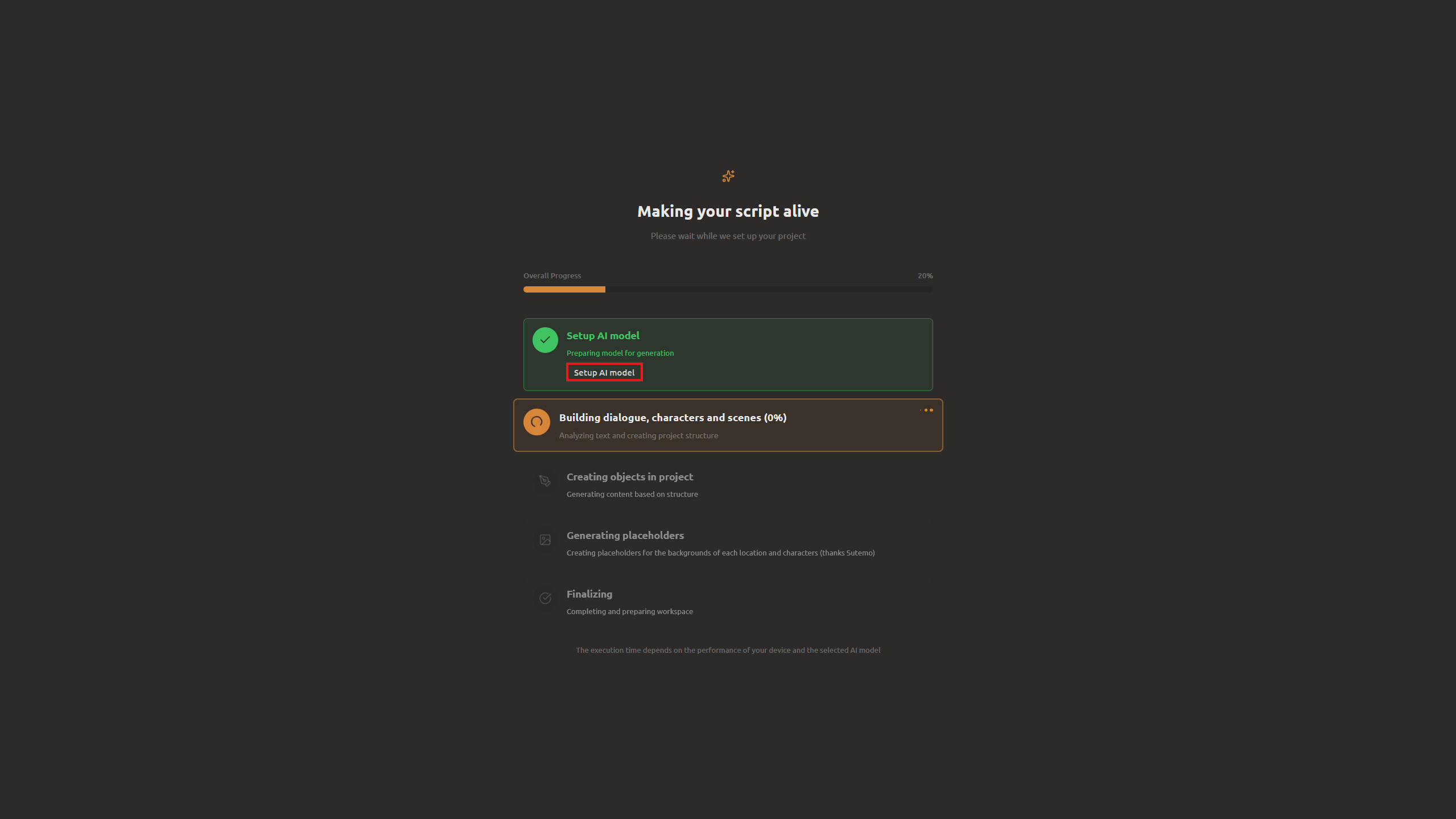
ScriptFormer automatically detects the characters (ALEX and JORDAN), separates the lines, and creates a project. It also generates image stubs for each character — placeholder silhouettes you can replace with your own art.
Run it right in the browser
After creating the project, you land straight in the editor. Here is how to run the scene:
- Open the script in the editor (it is already open after project creation).
- Click the Play button on the toolbar above the script.
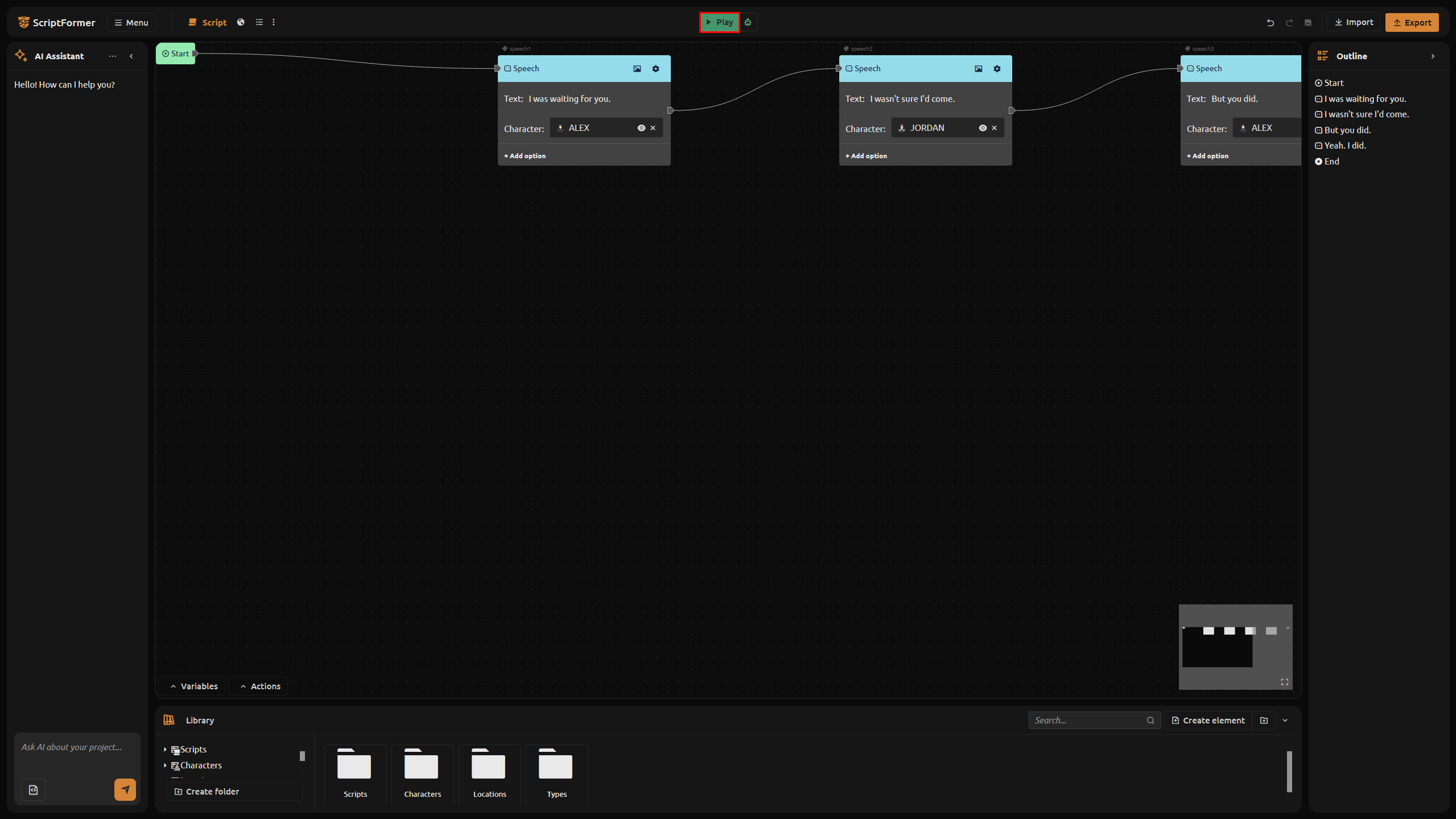
You see your scene right in the browser: characters, dialogue, choices - everything works. Press space or click to advance to the next line. Click a choice option to follow that branch.
Download HTML5 - the game is ready
Once the project is tested in the editor, you can download it as a standalone HTML5 game:
- Click Export in the top bar.
- Select HTML5.
- Click Export.
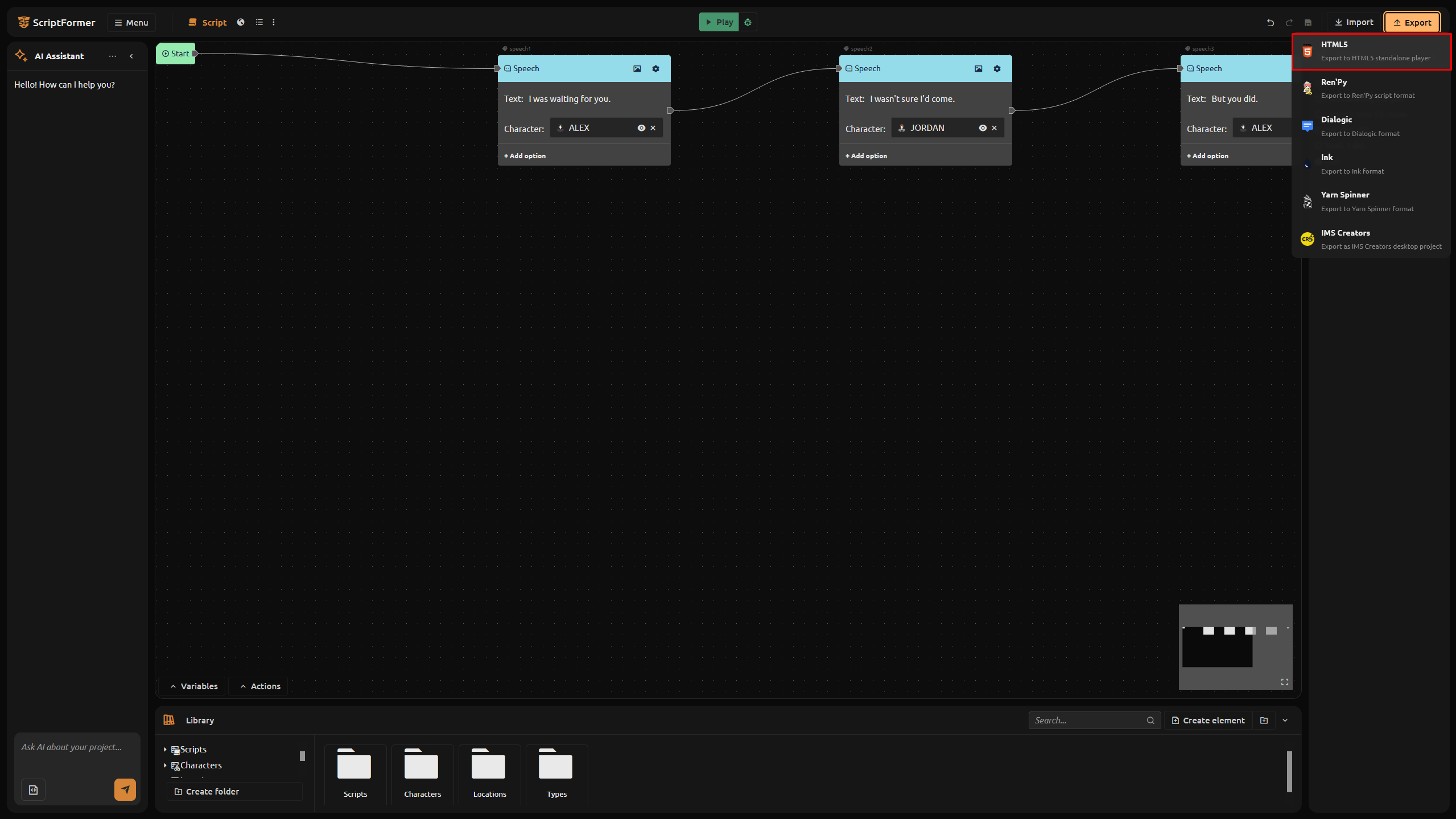
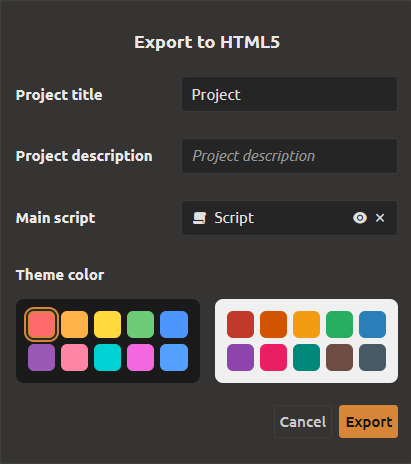
A ZIP archive downloads. Unzip it and open index.html in any browser - the game launches immediately. Menu, dialogue, choices, character sprites - everything is there. Send it to friends, upload to itch.io, or embed it on a website.

ScriptFormer also supports exporting to Ren'Py, Ink, Yarn Spinner, and Dialogic — but we will cover that in one of the next tutorials.
Try it now: Open ScriptFormer, create a project, and hit Play.
What's next
Your scene runs — but the characters are still bare bones. You might want to refine a name, fill in a bio and description, upload a sprite and its variations, and more. In the next tutorial, we will look at how ScriptFormer detects characters and how you can build them out with a few clicks.
FAQ
Do I need to install anything?
No. ScriptFormer runs in the browser. Open scriptformer.com and start working. If you want to use local AI models without an API key, you can install Ollama — it runs on your machine for free.
Can I run a project without writing code?
Yes. Paste a dialogue - click Play - see the result. No code needed.
What dialogue formats does the parser accept?
Freeform text with speaker labels (e.g. ALEX: line), .txt files, .md files, and .docx files.
Can I edit the project after creation?
Yes. You land straight in the editor. Add lines, reorder them, create new scripts.
How does the HTML5 export work?
A ZIP archive downloads with index.html, player scripts, and images. Unzip and open index.html in a browser - the game launches.
What if I want to go beyond the browser?
Use the export to Ren'Py, Ink, Yarn Spinner, or Dialogic. Each format matches its own engine.